
Android app
HopR
Control your rclone server from your phone: start and schedule copy, sync and move jobs, follow their progress, explore your remotes and get notified when they finish.
What the app really looks like
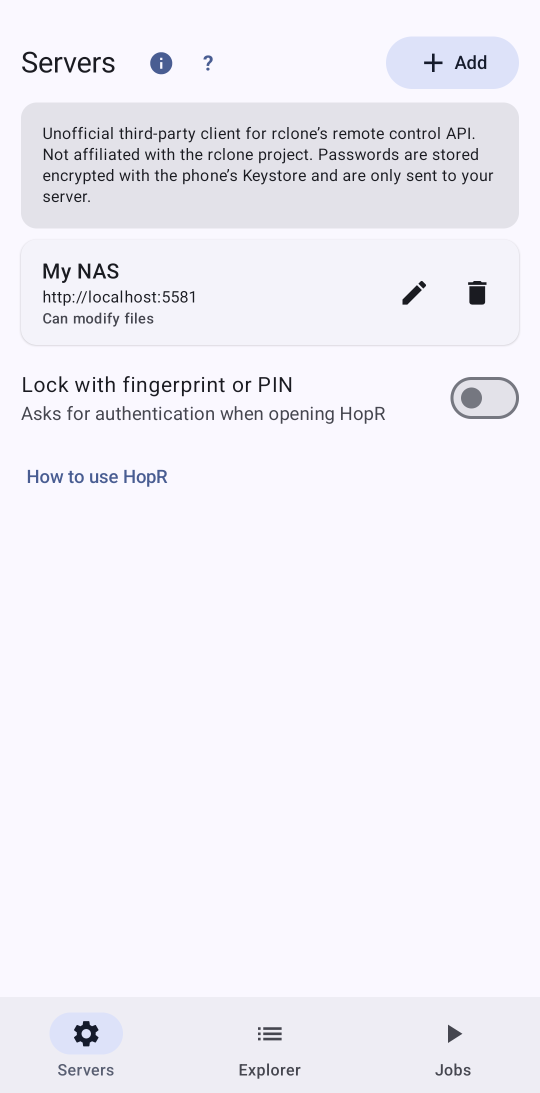
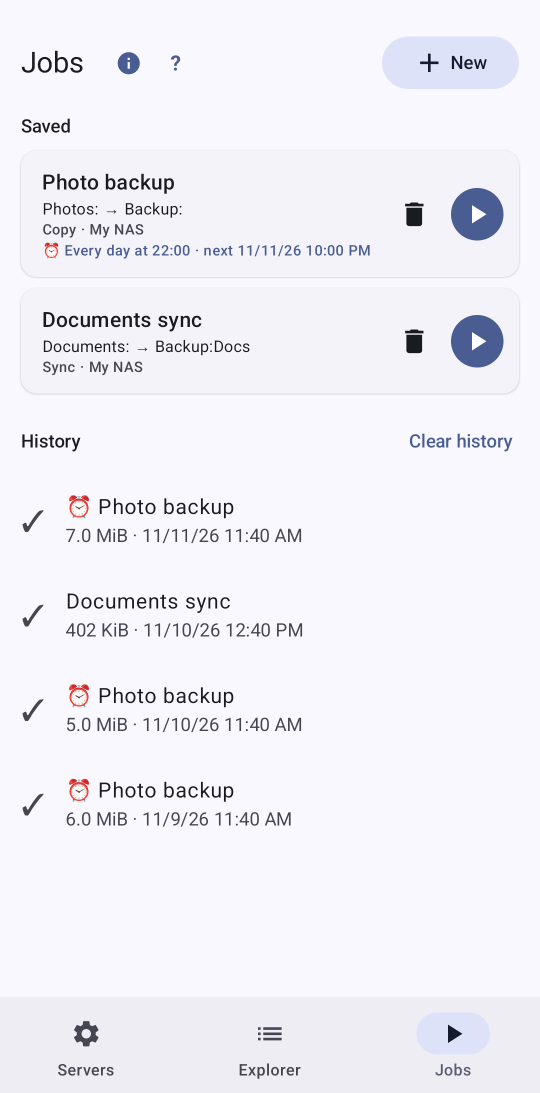
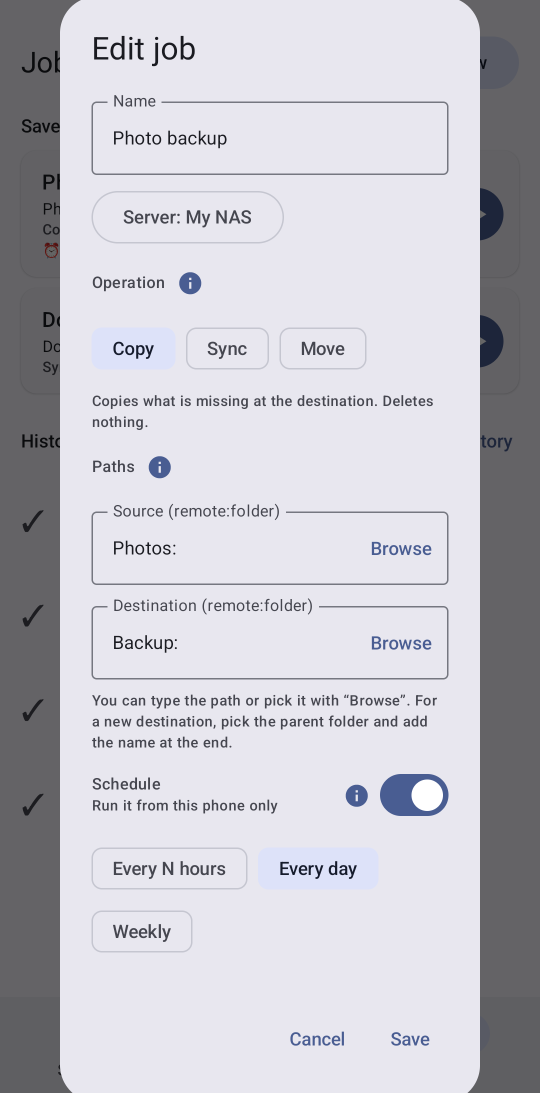
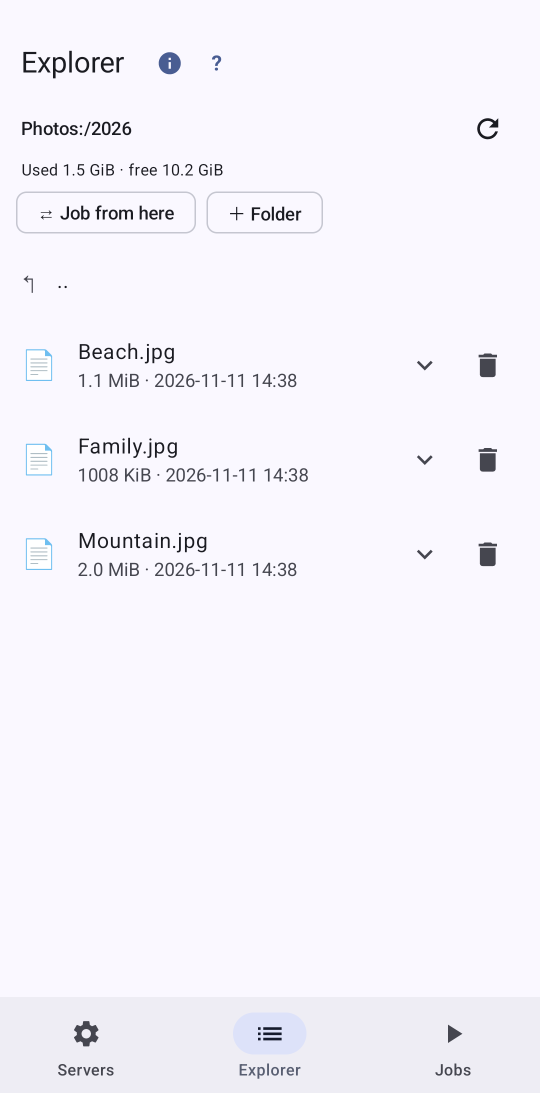
Real screenshots of the app on a phone with demo data. The texts are the app's own.
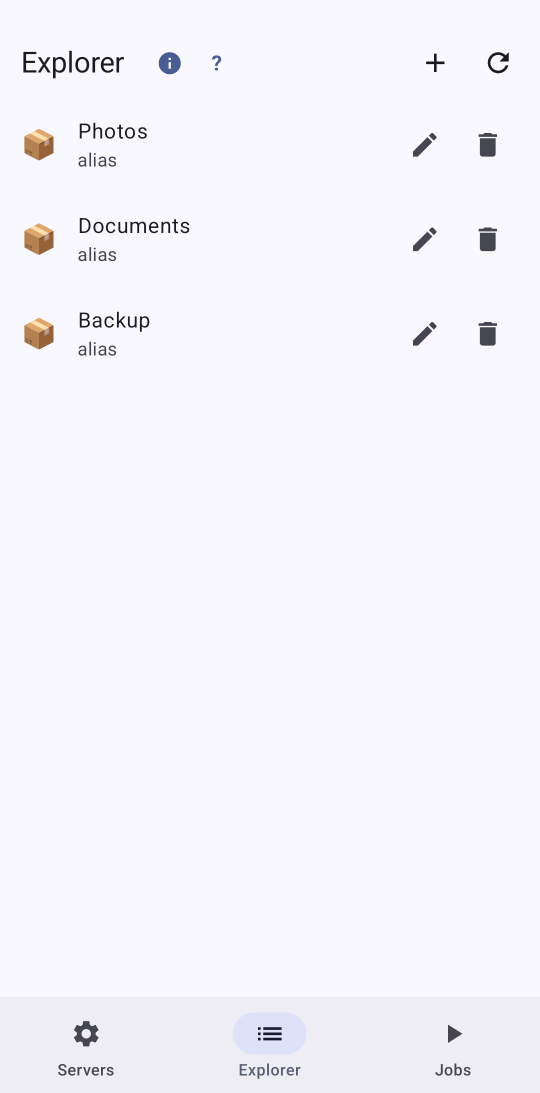
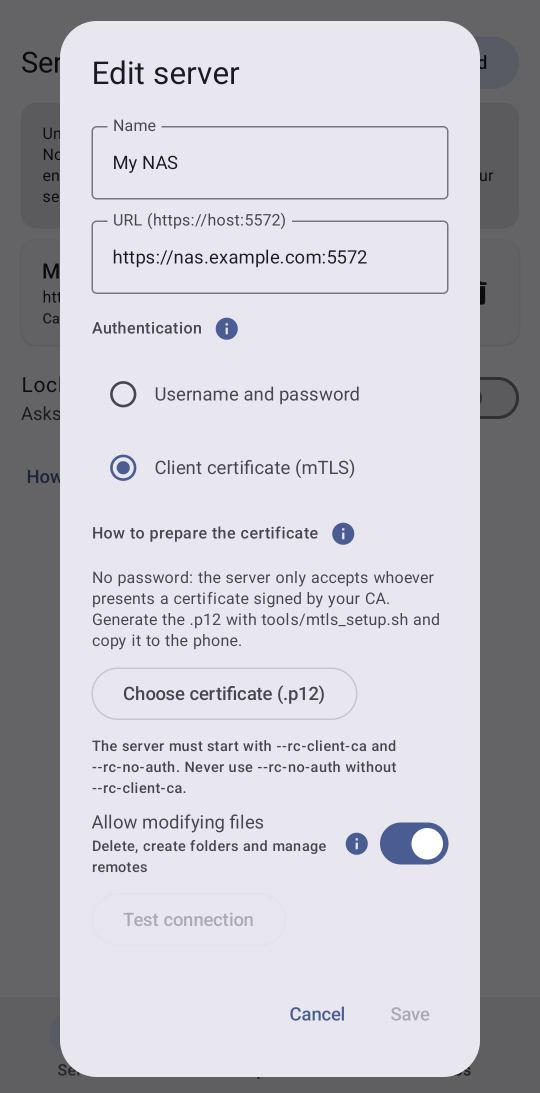
Remote control for rclone
Start, follow and stop copy, sync and move jobs on your server, not on the phone.
Live progress
Bytes, speed, time left and files in flight, with a notification when it finishes or fails.
Reliable scheduling
A system alarm that wakes the phone from idle, with shortcuts to the battery and alarm permissions.
Widget
State of your jobs and a ▶ button to launch copy jobs from the home screen.
Remote explorer
Browse, download, preview images and, if you allow it, create folders, delete and manage remotes.
Strong authentication
User and password or client certificate (mTLS), with optional fingerprint or PIN lock.
English and Spanish
Follows the phone language, with a built-in step-by-step tutorial.
Private by design
No accounts, no analytics, no ads
HopR only talks to your rclone servers. Secrets are stored encrypted on the phone and we receive no data.
HopR is an unofficial third-party tool. It is not affiliated with the rclone project.